Union political printing has a lot of moving parts. A simple flyer order can involve approved messaging, logo rules, disclaimer language, mailing deadlines, chapter-level requests, and last-minute artwork changes. When several people are placing orders or requesting updates, it’s easy for files, specs, and approvals to get scattered across email threads.
That’s where a corporate ordering portal can help. For unions, member organizations, political committees, advocacy groups, and the businesses that support them, a print ordering portal gives teams a central place to request approved materials, reorder common items, and keep campaign-related print projects more organized.
This article explains how union political printing can be managed through a portal, what to prepare before setting one up, and where print teams commonly run into avoidable problems.
Why Union Political Printing Needs Extra Organization
Political and union-related print work usually has more approval steps than everyday business printing. A marketing postcard, yard sign, or meeting flyer may need to match a specific message, include the right logo, follow brand guidelines, and contain required disclaimer language. Exact requirements can vary, so customers should confirm political, legal, and union-label requirements before production.
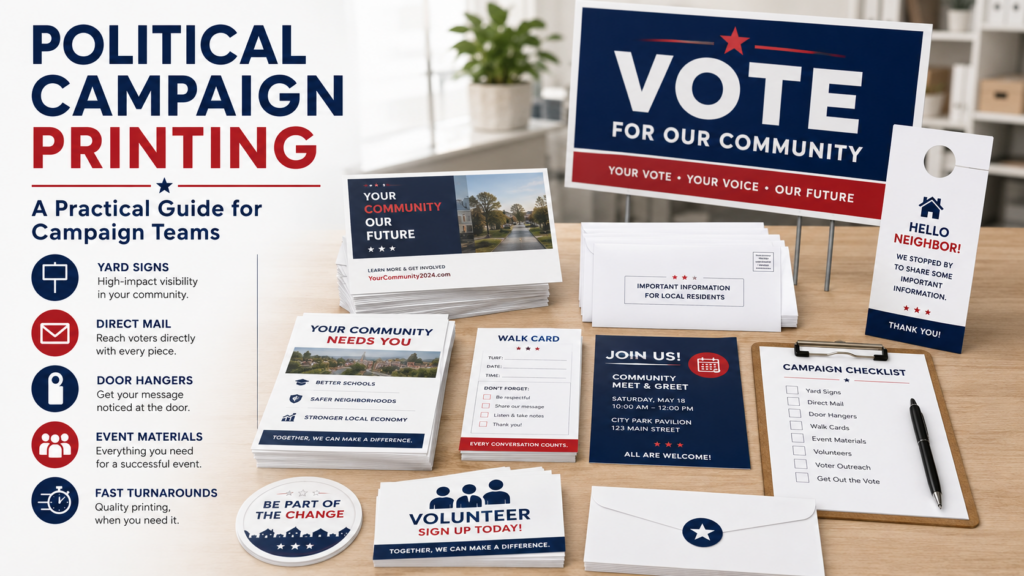
For broader campaign planning, Premier Printing Services has a helpful guide to political campaign printing that covers common printed materials and planning considerations. If your organization is focused on member communications, organizing, conventions, or outreach, the printing for unions and member organizations page is also a useful place to start.
The challenge is not only getting one order right. It’s keeping every repeat order consistent while different people request materials under pressure.
How a Corporate Ordering Portal Supports Union Political Printing
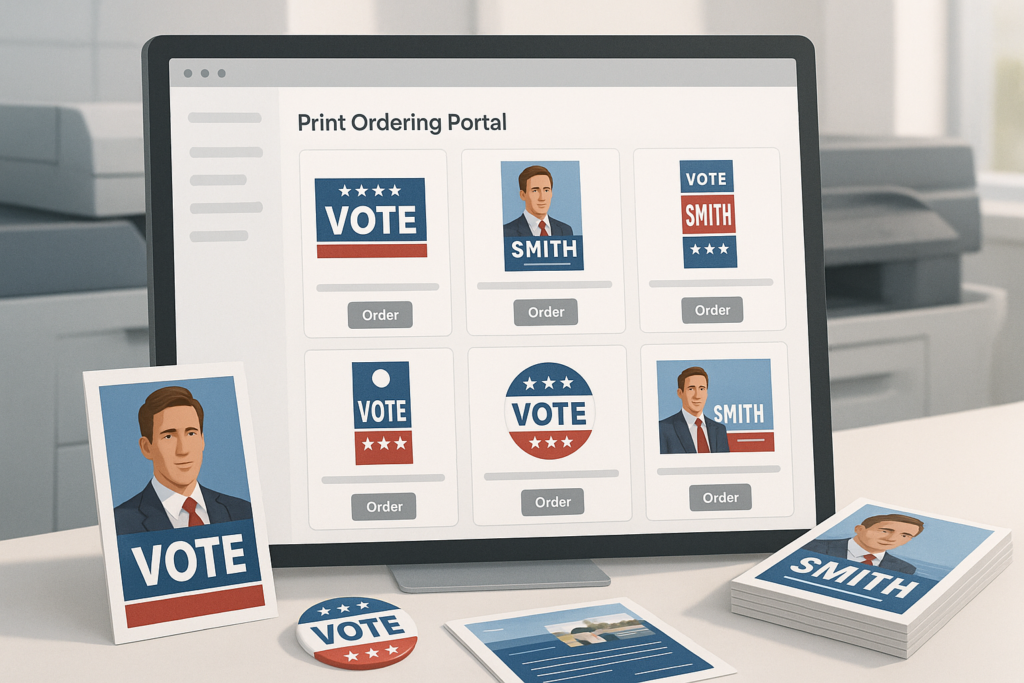
A corporate ordering portal is a private online ordering environment where approved users can access specific print products, templates, documents, and reorder options. Instead of sending a new email each time someone needs a flyer or brochure, users can log in and request materials from a controlled catalog.
For union political printing, that can be especially useful when multiple committees, regional offices, field teams, or administrators need similar materials with small changes. The portal helps reduce guesswork because the most common items are already organized in one place.
A portal can often be configured around your ordering workflow, such as who can request materials, who approves orders, and which items are available to different users. Exact portal features can vary, so it’s best to discuss your needs with the print shop before assuming a particular setup is available.
If your team is comparing options, Premier Printing Services offers information about its request portal and general portal access. Small business teams can also read more about why a dedicated print portal can reduce repeat-order friction.
What to Put in a Union Political Printing Portal
The best portal catalog depends on how your organization communicates. Some teams need public-facing campaign materials. Others need internal member notices, event handouts, envelopes, or direct mail pieces. A good setup starts with the items you reorder most often.
Common portal items
- Campaign flyers and palm cards
- Postcards and direct mail pieces
- Meeting notices and member updates
- Posters, banners, and signs
- Door hangers or canvassing materials
- Brochures and issue sheets
- Envelopes, letterhead, and business cards
- Event registration forms and handouts
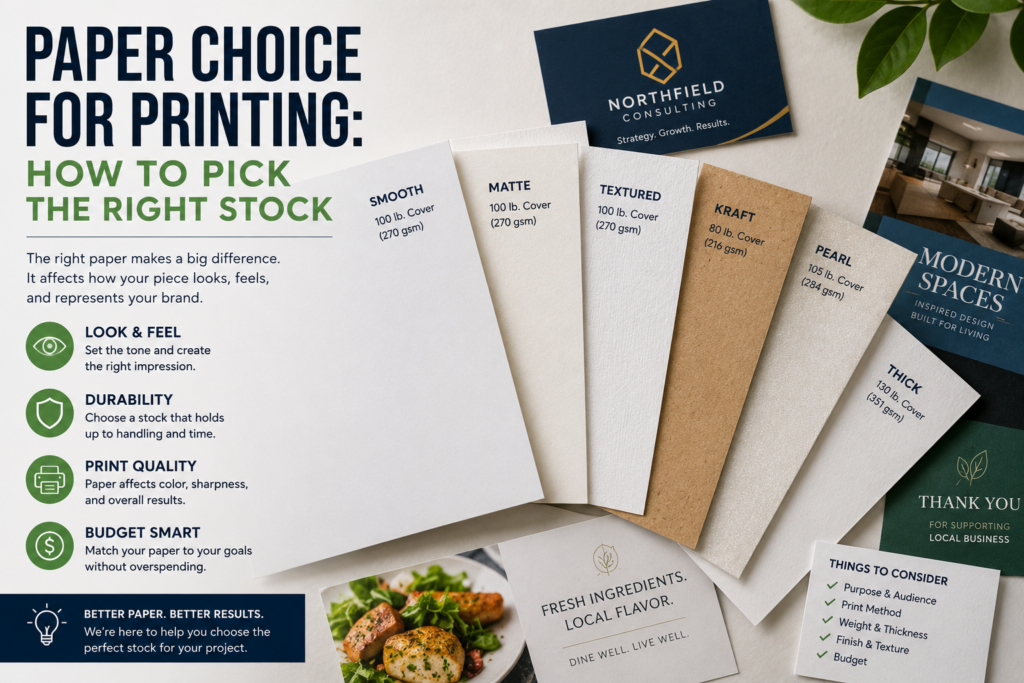
For items like flyers and postcards, it helps to standardize sizes, paper choices, and finishing options wherever possible. That makes quoting, ordering, and production planning easier. If your team is unsure what stock to use, this guide to choosing the right paper for printing explains practical differences without getting overly technical.
Approvals, Artwork, and File Setup
Portals are most helpful when the artwork going into them is clean, current, and approved. Before uploading files or building templates, confirm which logos, colors, disclaimers, photos, and message versions are approved for use. If union bug or union-label requirements apply to your project, discuss those requirements with your print provider before production.
File setup matters too. Print-ready files should generally include proper bleed, trim, safety margins, image resolution, and color setup, but exact specs can vary by product and equipment. Before sending final art, use Premier Printing Services’ Prepress Toolkit as a starting point, and confirm final requirements with the print shop.
Bleed and safety margins are especially important for postcards, flyers, signs, and any piece with color or images running to the edge. If your designer is building files, share this guide to bleed, trim, and safety margins early, not after the order is already late.
Proofing tips before production
- Check names, dates, addresses, URLs, QR codes, phone numbers, and disclaimers.
- Confirm that the correct version is being ordered for the correct audience or region.
- Review low-resolution images before they become a production issue.
- Make sure someone with authority signs off before printing begins.
- Ask whether a digital or physical proof is appropriate for the project.
A portal can help control which files are available, but it doesn’t replace careful proofing. The person approving the order should still review content, specs, quantity, and delivery details.
Mailing and Distribution Considerations
Many political and union print projects are tied to mailing deadlines, member communications, voter outreach, or event dates. If your project includes mailing, involve the print shop early. Mailing work can involve list preparation, addressing, postal rules, sorting, postage planning, and delivery logistics.
Premier Printing Services offers mass mailing services that may be useful for direct mail campaigns, member notices, and other large distribution needs. Because mailing requirements can change based on format, quantity, destination, and postal regulations, confirm the details before finalizing artwork or quantities.
It’s also smart to plan for internal distribution. For example, field offices may need different quantities, event teams may need materials shipped to a venue, and a central administrator may need visibility into all orders. Those details should be discussed when building the portal workflow.
Timeline Expectations Without Guesswork
Political print work often becomes urgent, but rush planning is not a strategy. The safest approach is to work backward from the date materials must be in hand, then add time for approvals, file corrections, proofing, production, mailing, shipping, and internal distribution.
Do not assume every item in a portal has the same production timeline. A simple reorder may move differently than a custom mailing, large banner order, or project with variable information. Turnaround depends on the product, quantity, finishing, file readiness, current production schedule, and delivery method.
If a deadline is firm, say so at the beginning. Your print shop can tell you what is realistic and whether specs should be adjusted to fit the schedule.
Common Mistakes to Avoid
Most union political printing issues come from preventable order details, not from the printing itself. A portal reduces many problems, but only if it’s set up thoughtfully and used consistently.
- Uploading too many file versions: Keep only approved, current artwork available to portal users.
- Skipping disclaimer review: Confirm any required political, legal, or organizational language before printing.
- Ignoring mailing specs: Postcard size, indicia, address placement, and paper choice can affect mailability.
- Using low-resolution graphics: Images pulled from websites may not print cleanly.
- Leaving quantity decisions too late: Last-minute quantity changes can affect production planning and distribution.
- Not assigning portal permissions: Decide who can order, who can approve, and who receives order updates.
- Assuming every product can be customized: Some portal items may be locked to protect approved messaging and design.
If your team regularly has last-minute file issues, this article on planning print campaigns without last-minute file problems is worth sharing with designers, coordinators, and approvers.
When to Ask for Help
Ask for help early if you’re setting up a new portal, planning a large mailing, ordering multiple materials for one campaign, or coordinating several users. A print shop can help you think through product categories, approval workflows, file standards, shipping needs, and reorder habits.
You should also ask for help if your materials need to coordinate with business or corporate communications. For teams that manage print across departments, branches, or multiple locations, Premier Printing Services’ corporate printing and multi-location business printing resources may be useful.
For small organizations that are just getting organized, the small business printing page can help identify common print needs beyond campaign materials, such as business cards, envelopes, forms, flyers, and signage.
Union Political Printing Works Best With a Clear System
Union political printing is easier to manage when approved artwork, ordering permissions, product specs, mailing details, and proofing steps live in a clear system. A corporate ordering portal doesn’t remove the need for planning, but it can help your team avoid repeated file searches, inconsistent orders, and approval confusion.
If your organization needs help building a practical print ordering process, setting up repeat campaign materials, or reviewing files before production, contact Premier Printing Services for more information or project help.