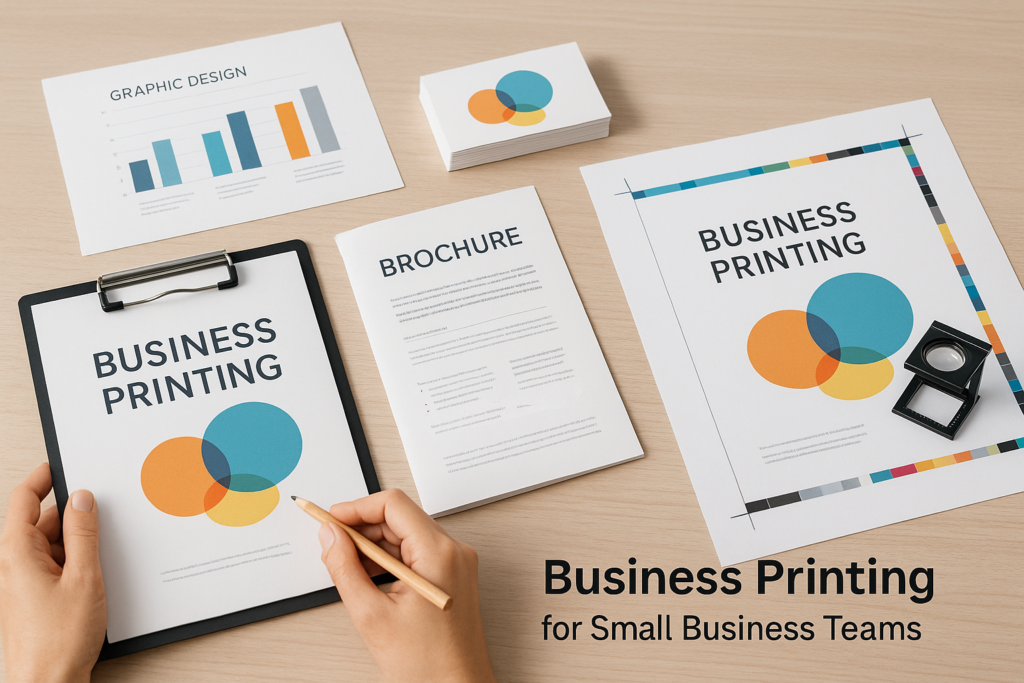
Business printing covers a lot more than business cards and letterhead. For many companies, it includes sales sheets, postcards, envelopes, direct mail, signage, presentation folders, flyers, training materials, forms, event handouts, and recurring office materials.
If you’re a small business owner, office manager, or marketing team, the goal is usually simple: get the right printed piece, on time, without file problems or costly rework. The more clearly you define the project up front, the easier it is for a print shop to recommend the right production path and provide an accurate quote.
This guide walks through what to know before ordering business printing, including project planning, file setup, paper choices, proofing, finishing, and when to ask for help.
What Business Printing Usually Includes
Business printing can support daily operations, sales outreach, customer communication, events, and brand consistency. Some projects are one-time needs, while others are reordered throughout the year.
Common printed materials include:
- Business cards and stationery
- Flyers, brochures, postcards, and sell sheets
- Presentation folders and proposal materials
- Forms, invoices, work orders, and internal documents
- Envelopes and mailing materials
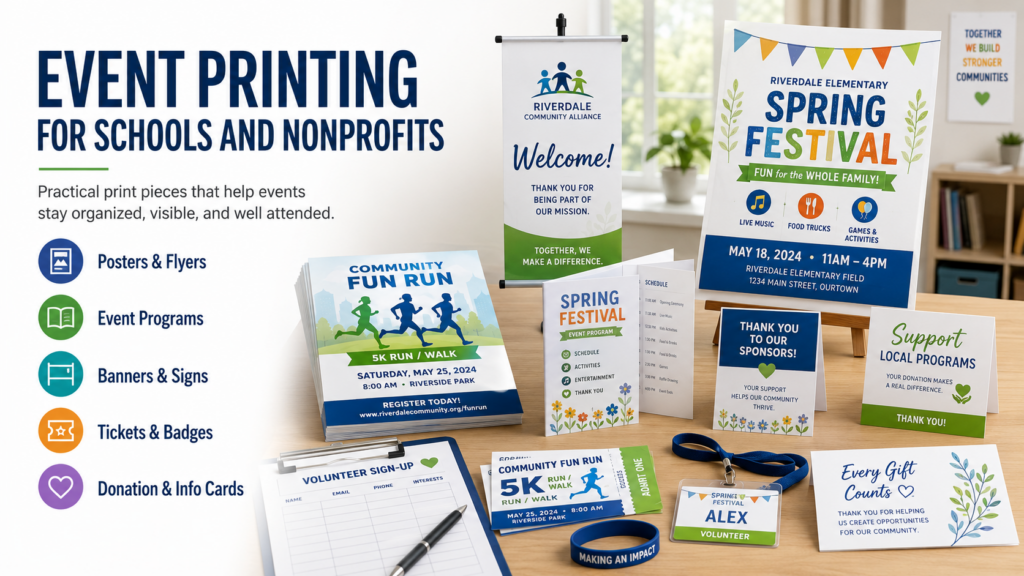
- Banners, posters, and event signage
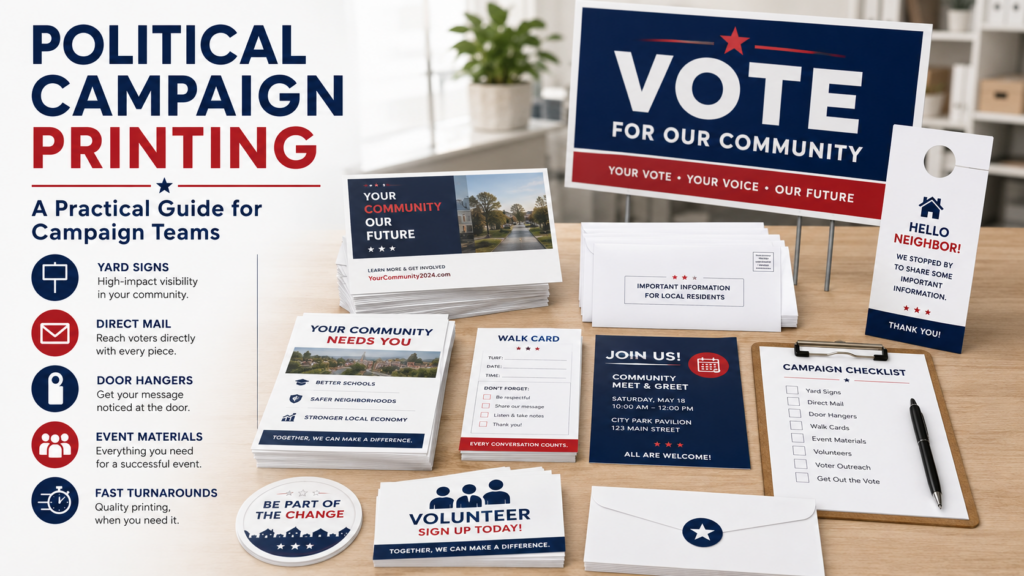
- Direct mail campaigns and promotional mailers
If you’re not sure which product fits your goal, start with the outcome. Are you trying to drive foot traffic, explain a service, support a sales meeting, mail to customers, or keep office operations running? That answer helps narrow the format, quantity, paper, and finishing options.
For a broader overview of available options, you can review Premier Printing Services’ business printing services and printing services.
Why Planning Matters Before You Request a Quote
A good quote depends on good project details. Before reaching out, gather as much information as you can. You don’t need to know every technical specification, but you should be ready to explain what you need the piece to do.
Helpful quote details include:
- Project type, such as flyer, postcard, booklet, banner, or envelope
- Finished size
- Quantity needed
- Single-sided or double-sided printing
- Color needs, such as full color or black and white
- Paper preference, if known
- Finishing needs, such as folding, binding, scoring, drilling, laminating, or mounting
- Mailing, delivery, or pickup needs
- Deadline or event date
If you don’t know the finished size or paper type, that’s fine. A professional print shop can help you compare options. The important thing is to share the purpose, audience, and timeline so the team can guide you toward practical choices.
When you’re ready, you can submit project details through the Request A Quote page.
Business Printing Projects That Need Extra Attention
Some print jobs are simple reorders. Others have more moving parts and deserve extra planning time.
Marketing materials
Flyers, brochures, postcards, and sell sheets need to look polished, but they also need to be readable. Before printing, check that the message is clear, contact information is correct, and the design has enough contrast. If a piece includes a QR code, test it before sending the file.
For common promotional pieces, Premier Printing Services offers dedicated pages for flyer printing, direct mail printing, and banner printing.
Office and operational printing
Forms, envelopes, letterhead, and internal documents are often used every day. Accuracy matters because a small mistake can affect billing, customer communication, or internal workflow.
If you order these pieces often, keep a record of the latest approved version, quantity, paper, and any special notes. Businesses with recurring needs may also benefit from a dedicated ordering workflow. Learn more about the Request Portal if your team places repeat or multi-department print requests.
Brand-sensitive projects
Business cards, corporate folders, signage, and sales materials carry your company’s visual identity. If multiple departments or locations are ordering print, make sure everyone is using current logos, colors, fonts, and approved messaging.
For companies with more than one branch or office, multi-location business printing can help create consistency across locations.
File Setup Basics for Business Printing
File setup is one of the most common reasons print projects slow down. Even a strong design can run into production issues if it’s missing bleed, using low-resolution images, or built at the wrong size.
Before submitting artwork, review these basics:
- Build the file at the final intended size, unless your print shop advises otherwise.
- Include bleed if the design extends to the edge of the piece.
- Keep important text and logos inside the safe area.
- Use high-quality images that will reproduce cleanly in print.
- Check spelling, phone numbers, addresses, URLs, and QR codes.
- Confirm whether the shop prefers PDF or another file format for your project.
Bleed, trim, color, resolution, and proofing requirements can vary by product and production method, so it’s smart to confirm specs before sending final files. Premier Printing Services provides a helpful Prepress Toolkit for file setup guidance, and you can also review this article on bleed, trim, and safety margins.
If you’re planning a larger campaign, it may help to read how to plan print campaigns without last-minute file issues.
Paper, Size, and Finishing Choices
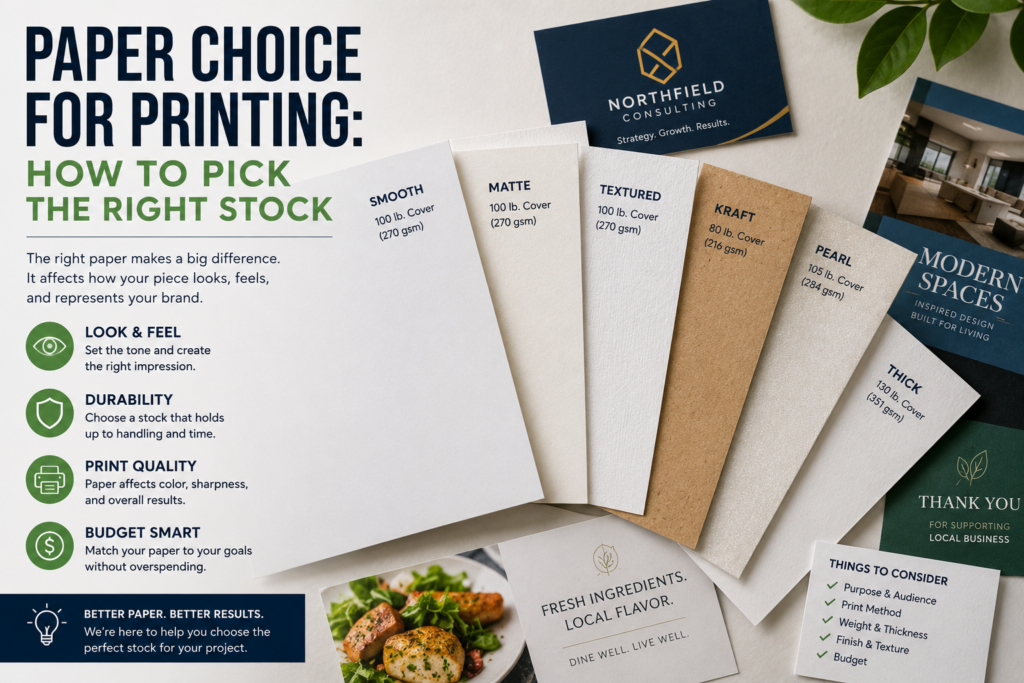
Paper affects how a printed piece feels, folds, mails, and holds up. A lightweight sheet may work well for internal handouts, while a thicker stock may be better for postcards, business cards, and premium leave-behinds.
When choosing paper, think about:
- How long the piece needs to last
- Whether it will be mailed, handed out, posted, or stored
- Whether people will write on it
- Whether it needs to fold cleanly
- Whether a glossy, matte, or uncoated feel fits the use
Finishing options can also change the final result. Folding, scoring, binding, drilling, laminating, and mounting all need to be planned before production. Some finishing choices affect file setup, so mention them early when requesting a quote.
For more guidance, see Paper Choice for Printing: How to Pick the Right Stock.
Timeline Expectations for Print Projects
Print timelines depend on the product, quantity, materials, finishing, proofing, mailing, and current production schedule. A simple reorder may move faster than a custom project with multiple finishes, mailing services, or file corrections.
Build your schedule around these steps:
- Creative development and internal approval
- File preparation and prepress review
- Proofing and proof approval
- Printing and finishing
- Mailing, pickup, delivery, or distribution
If your project is tied to an event, campaign launch, board meeting, trade show, or mailing date, share that deadline at the beginning. Your print shop can tell you what’s realistic and what decisions need to be made quickly. Always confirm timing before production, especially for specialty materials, large quantities, or finishing-heavy work.
Common Business Printing Mistakes to Avoid
Most print problems are avoidable with a little preparation. Here are a few issues that come up often:
- Sending artwork before it has been proofread internally
- Using old logos, outdated addresses, or expired offers
- Forgetting bleed on edge-to-edge designs
- Choosing paper without considering mailing, folding, or writing needs
- Waiting until the last minute to ask about finishing or delivery
- Ordering too few pieces for events or multi-location distribution
- Assuming colors will look exactly like they do on a screen
Color can shift between monitors, office printers, and professional production equipment. If color accuracy is especially important, ask about proofing options before production. For business cards specifically, this guide to business card printing mistakes to avoid is worth reading.
When to Ask a Print Shop for Help
You don’t have to know every print term before starting a project. In fact, asking questions early can save time later.
Reach out to your print shop if:
- You’re unsure which paper stock fits the project
- Your design has edge-to-edge color or images
- You need mailing or distribution support
- Your deadline is firm
- You’re ordering for multiple departments or locations
- Your project includes folding, binding, lamination, or mounting
- You’re not sure whether your file is print-ready
A good print conversation should make the project clearer. Bring the goal, deadline, quantity, and artwork status, and the print team can help fill in the details.
Business Printing FAQ
What should I include when requesting a business printing quote?
Include the product type, finished size, quantity, color requirements, paper preference if known, finishing needs, deadline, and whether you need mailing, pickup, or delivery. If you have artwork, mention whether it’s final or still in progress.
Do I need print-ready artwork before asking for a quote?
Not always. You can request a quote before artwork is final, but the estimate may need to be updated if the size, page count, finishing, or production requirements change. If you’re unsure about file setup, use the Prepress Toolkit or ask for guidance.
How early should I start a print project?
Start as early as you can, especially if the project involves design approval, proofing, finishing, mailing, or an event date. Exact timing varies by project, so confirm the schedule with the print shop before production.
What if I’m not sure which paper to choose?
Explain how the piece will be used. Will it be mailed, handed out, written on, folded, or displayed? Your print shop can recommend practical paper options based on the project.
Ready to Plan Your Next Business Printing Project?
Business printing works best when the project details, files, materials, and timeline are clear before production begins. Whether you need everyday office materials, marketing pieces, direct mail, signage, or recurring print support, a short conversation can help you avoid surprises and make better choices.
If you have questions, need a quote, or want help planning your next project, contact Premier Printing Services for more information or project help.