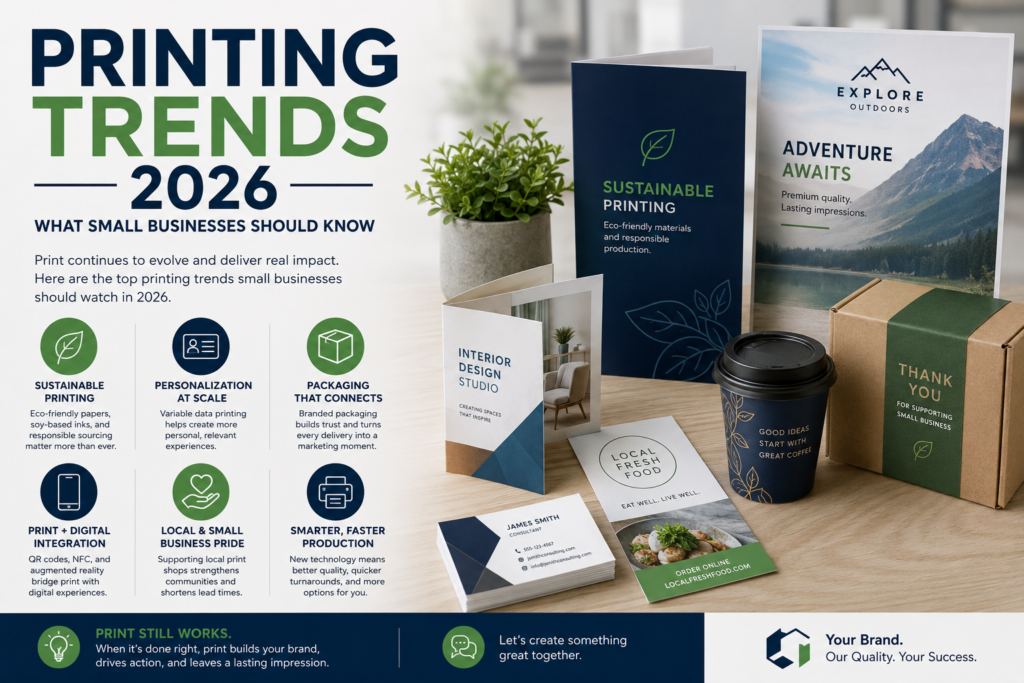
Printing in 2026 is less about ordering “some flyers” and hoping they work. For small business owners, print is becoming more intentional, more connected to digital marketing, and more dependent on clean files, smart planning, and consistent branding.
That doesn’t mean print has become complicated. It means the best results usually come from asking better questions before production starts.
Whether you’re ordering business cards, postcards, brochures, banners, direct mail, signs, envelopes, letterhead, or custom printing for a campaign, the goal is the same: make sure the finished piece looks professional, arrives when you need it, and supports your business instead of creating extra work.
Why Printing Still Matters for Small Businesses in 2026
Small businesses still use print because customers still interact with physical materials. A postcard sits on a counter. A banner catches attention at an event. A well-designed brochure gives customers something to read after a conversation. Business cards still help when a quick phone exchange isn’t enough.
What’s changing is how print fits into the larger customer journey.
A printed piece may now include a QR code, a landing page URL, a personalized offer, or a direct mail campaign tied to email follow-up. Print is no longer separate from digital marketing. It often works best when it points people toward the next action.
For small businesses, that means every print order should answer three basic questions:
What do we want this piece to do?
Who is receiving it?
What should they do next?
If those answers are clear, your print shop can usually help you choose the right format, paper, finish, quantity, and file setup.
Printing Trends 2026 Small Business Owners Should Watch
The biggest printing trends 2026 brings are not just about new technology. They’re about reducing friction, improving accuracy, and making print easier to manage.
1. More Print Ordering Is Moving Online
Many businesses now expect print ordering to feel more like ecommerce. They want to upload artwork, reorder common items, approve proofs, and track jobs without calling or emailing every time.
That’s where web-to-print and corporate print portal tools can help. For small businesses with repeat print needs, online ordering can make reorders easier and reduce small mistakes, especially for items like business cards, envelopes, letterhead, sales sheets, flyers, and branded forms.
Still, online ordering doesn’t remove the need for human review. If you’re ordering something new, unusual, expensive, folded, mailed, die-cut, or color-sensitive, it’s worth asking your print shop to review the file before production.
2. Shorter Runs and More Frequent Updates
Small businesses don’t always want huge quantities anymore. Menus change. Offers change. Events change. Teams grow. Branding gets updated.
Digital printing and print-on-demand workflows make shorter runs more practical for many common products. That can help reduce outdated inventory and give small businesses more flexibility. Industry reporting also points to digital print continuing to grow as a share of print and packaging value over the coming years.
The practical takeaway is simple: don’t assume you need to order the largest quantity possible. Ask your print shop where the price breaks are, what quantity makes sense, and whether a smaller first run would be safer.
3. Direct Mail Is Becoming More Interactive
Direct mail in 2026 is not limited to plain postcards. Some campaigns use QR codes, textured finishes, folds, inserts, personalized messages, or tactile elements to get attention.
USPS also publishes 2026 promotion guidebooks for First-Class Mail and USPS Marketing Mail, including categories such as Tactile, Sensory & Interactive and Integrated Technology. The USPS Tactile, Sensory & Interactive promotion guidebook includes eligibility details and participation information for mailpieces using interactive or sensory features.
For small businesses, this does not mean every mailer needs special effects. It means direct mail should be planned early. Size, paper, folds, address placement, postage class, barcode requirements, and mailing list quality can all affect production.
If you’re mailing postcards, letters, or flats, confirm mailing requirements before printing. USPS states that the Intelligent Mail barcode is required for letters and flats prepared for automation prices. Your print shop or mailing partner can help check what applies to your campaign.
4. Print-Ready Files Matter More Than Ever
A lot of print delays start before the file ever reaches production.
Common issues include low-resolution images, missing bleed, text too close to the trim edge, RGB color surprises, missing fonts, thin lines, incorrect page size, and artwork that was designed for screen use instead of print.
Adobe notes that standard PDFs can contain low-resolution images or incorrect color settings, and its Acrobat Pro print production guidance includes PDF/X conversion for professional printing workflows. Adobe also explains that print production PDFs use boxes such as trim, bleed, and art boxes, plus printer marks that help with trimming and alignment.
Exact file requirements can vary by product and print shop, so don’t guess. Before sending artwork, ask for the preferred PDF format, bleed size, safe margin, color mode, resolution, crop mark preference, and any special setup rules for folding, mailing, binding, or large format printing.
5. Brand Consistency Is Becoming a Bigger Priority
Small businesses often order print in pieces. A business card here. A flyer there. A banner before an event. A postcard when sales slow down.
The problem is that materials can start looking disconnected. Different fonts, slightly different colors, old logos, inconsistent messaging, and mismatched paper choices can make a business look less organized than it really is.
In 2026, one of the smartest print moves is building a simple brand print system. That could include approved logo files, brand colors, preferred paper stocks, business card templates, flyer templates, postcard layouts, and signage guidelines.
You don’t need a huge brand manual. Even a one-page print guide can save time and reduce errors.
What Small Businesses Should Print in 2026
Not every business needs every printed product. The right mix depends on how you sell, where customers find you, and how often you interact in person.
Everyday Business Printing
These are the pieces that support daily operations:
Business cards
Letterhead
Envelopes
Presentation folders
Forms
Appointment cards
Thank-you cards
Instruction sheets
Product inserts
These materials should be clean, consistent, and easy to reorder. If your team uses them often, consider setting up templates or a repeat order process with your print shop.
Marketing and Sales Printing
These pieces help attract attention and explain your offer:
Flyers
Brochures
Postcards
Rack cards
Sales sheets
Catalogs
Direct mail pieces
Door hangers
Coupons
Event handouts
For marketing materials, the message matters as much as the design. Keep the offer clear. Use one strong call to action. Avoid cramming too much text into one piece.
Large Format and Event Printing
These pieces help people notice you in physical spaces:
Banners
Retractable banners
Posters
Window graphics
Yard signs
Table throws
Trade show displays
Directional signs
Wall graphics
Large format printing should be designed for distance. A banner that looks good on a laptop screen may be too crowded when viewed from across a room or parking lot.
Common Printing Mistakes to Avoid in 2026
Small print mistakes can become expensive when they’re discovered late. Most are preventable.
Sending Artwork Without Bleed
If color, photos, or background graphics run to the edge of the finished piece, the artwork usually needs bleed. Exact bleed requirements vary, so confirm the setup with your print shop before production.
Using Low-Resolution Images
Images pulled from websites or social media often look fine on screen but soft or pixelated in print. Use high-resolution images whenever possible, especially for brochures, posters, banners, and product sheets.
Forgetting the Final Size
A design made at the wrong size may need to be rebuilt. Always confirm the finished size before designing, especially for folded brochures, direct mail, signs, labels, and specialty pieces.
Skipping Proof Review
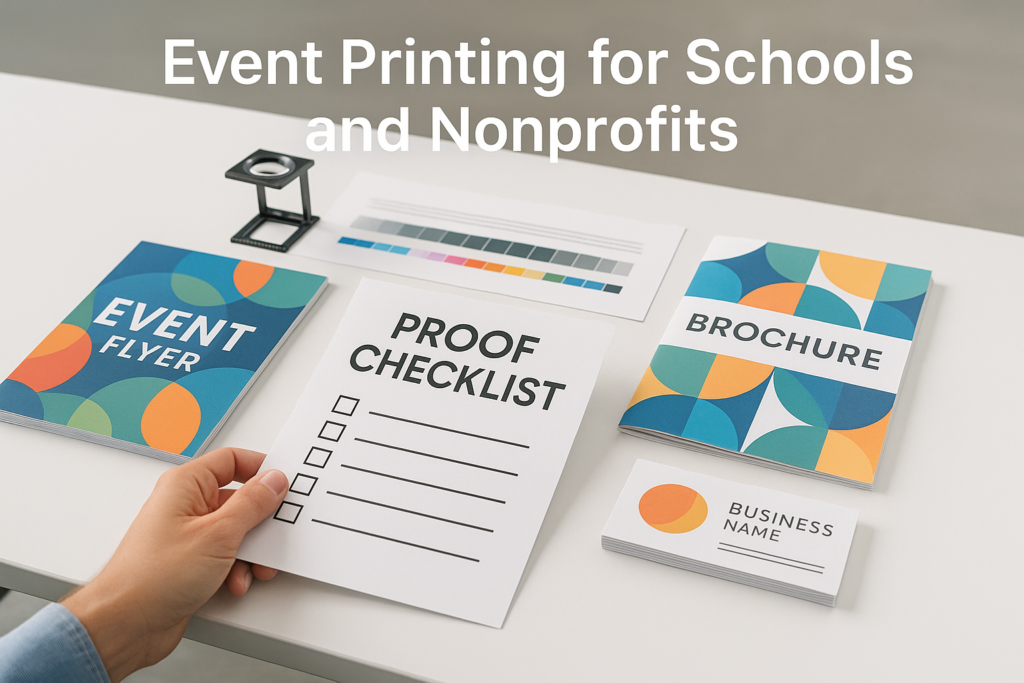
A proof is not just a formality. Check names, phone numbers, QR codes, dates, addresses, spelling, folds, page order, and trim areas. If multiple people are reviewing, assign one person to give the final approval.
Waiting Too Long
Even when production is straightforward, artwork fixes, proofing, paper availability, finishing, mailing, shipping, and delivery can add steps. Build in time for review. Avoid sending files at the last possible moment unless your print shop has confirmed the project can be handled.
How to Prepare Better Print Orders
A strong print order starts with clear information.
Before requesting a quote, gather:
Finished size
Quantity
Color needs
Single-sided or double-sided printing
Paper preference, if known
Finish preference, if known
Folding, binding, cutting, or mailing needs
Deadline or event date
Delivery or pickup preference
Artwork status
Any previous sample or reorder details
If you don’t know the paper, finish, or format, that’s okay. A good print shop can walk you through options. Just be honest about the purpose of the project, your timeline, and whether the piece needs to feel budget-friendly, premium, durable, writable, mail-friendly, or easy to hand out.
When to Ask Your Print Shop for Help
You should ask for help before production if:
You’re unsure whether the file is print-ready
The color needs to match an existing piece
The project will be folded, mailed, bound, or die-cut
The piece includes a QR code or variable data
The artwork was made in Canva, PowerPoint, Word, or another non-design tool
The project is for a trade show, event, launch, or deadline-sensitive campaign
You’re ordering a new product for the first time
This is especially important for custom printing services. Small details like paper grain, fold direction, coating, ink coverage, safe margins, and mailing layout can affect the final result.
The Smart Way to Think About Printing in 2026
Printing in 2026 is not about printing more. It’s about printing better.
For small business owners, that means using print where it has a clear job. A business card should make it easy to follow up. A flyer should explain the offer quickly. A brochure should answer common questions. A postcard should drive a response. A banner should be readable at a glance.
The best print projects usually start with a practical conversation. What are you trying to accomplish? Who is the audience? Where will the piece be used? How long does it need to last? Does it need to be mailed, displayed, handed out, written on, or saved?
Once those questions are answered, your print shop can help match the project to the right format, paper, finishing, and file setup.
If you’re planning business printing this year, use the printing trends 2026 conversation as a chance to clean up your process. Organize your brand files, confirm your specs, update old materials, and ask for guidance before production. You’ll save time, avoid common print issues, and end up with materials that do their job.
FAQ: Printing in 2026
What is the biggest printing trend for small businesses in 2026?
The biggest trend is smarter print ordering. Small businesses want online ordering, easier reorders, cleaner proofs, shorter runs, personalized pieces, and print that connects to digital marketing through QR codes, landing pages, and direct mail campaigns.
Are business cards still useful in 2026?
Yes, business cards are still useful for networking, local sales, events, appointments, and customer-facing teams. The key is making sure the card is current, readable, and consistent with your website and other printed materials.
Should I use digital printing or offset printing?
It depends on the project. Digital printing is often useful for shorter runs, quick updates, and personalized printing. Offset printing may make sense for certain larger runs, specific color needs, or specialty projects. Ask your print shop which method fits your quantity, timeline, paper, and quality goals.
What does print-ready mean?
Print-ready usually means the file is prepared correctly for production, including the right size, bleed, resolution, color setup, fonts, margins, and file format. Exact requirements vary by product and print shop, so confirm the specs before submitting final artwork.
Can I send Canva files to a print shop?
Many print shops can work with Canva exports, but the file still needs to be checked. Before printing, confirm the finished size, bleed, image quality, color settings, crop marks, and PDF export settings. If the piece is folded, mailed, or large format, ask your print shop to review it first.
Is direct mail still worth using?
Direct mail can still be useful when it has a clear audience, strong offer, clean design, accurate mailing list, and a simple next step. It works best when planned alongside digital marketing instead of being treated as a one-off print piece.
How early should I start a print project?
Start as early as possible, especially for mailed pieces, event materials, custom finishes, large format graphics, booklets, catalogs, or anything with a hard deadline. Do not assume production, proofing, finishing, mailing, and delivery can happen immediately. Confirm timing with your print shop before making commitments.