Custom graphic design plays a bigger role in company branding than many businesses realize. It’s not just a logo, a nice-looking flyer, or a fresh business card. It’s the visual system that helps customers recognize your company across printed materials, digital files, signage, direct mail, forms, presentations, and everyday office pieces.
For small business owners, office managers, and marketing teams, the challenge is usually practical. You need materials that look consistent, print correctly, and can be reordered without starting over each time. You may also need help turning rough ideas, older files, or mismatched designs into a cleaner brand system that works in the real world.
This guide explains what to know before starting a custom design or full branding project, especially when printed materials are part of the plan.
What Custom Graphic Design Means for Company Branding
Custom graphic design is the process of creating visual materials specifically for your business, rather than relying on generic templates or one-off layouts. In branding, that often includes logo usage, colors, fonts, image style, layout standards, and the way your message appears across different printed pieces.
Good design should make your company easier to understand. It should guide the reader’s eye, make important information clear, and keep your brand recognizable whether someone is looking at a business card, brochure, banner, mailer, or proposal folder.
If you’re building or refreshing your company’s print materials, it can help to start with the basics covered in Premier Printing Services’ business printing guide for small business teams. That guide explains how common print pieces work together for day-to-day business needs.
Why Printed Brand Materials Need a Consistent System
Brand consistency matters because customers often see your company in small pieces. They might receive a postcard first, pick up a brochure later, visit your booth at an event, and then get a proposal packet from your team. If every piece looks unrelated, the brand feels less organized.
A consistent design system helps your business look prepared and professional. It also saves time. Once your logo, colors, type styles, and layout rules are established, new projects can move faster because the design direction is already clear.
This is especially useful for companies with multiple team members ordering print. If different departments, locations, or managers are creating materials separately, a shared brand system reduces confusion. For businesses with repeated print needs, a dedicated ordering setup may also help. Premier’s article on why small businesses benefit from a dedicated portal explains how portals can support consistency across repeat orders.
Core Pieces of a Full Company Branding Package
A full company branding project can be small or broad, depending on your business. A startup may need the essentials. An established company may need to clean up years of mismatched files and update materials across departments.
Brand identity basics
- Primary logo and approved logo variations
- Brand colors, including print-friendly color values when available
- Typography choices for headlines, body copy, and supporting text
- Graphic elements such as patterns, icons, shapes, or image treatments
- Basic brand guidelines for internal and vendor use
Everyday business materials
- Business cards
- Branded envelopes and letterhead
- Notepads, forms, folders, labels, and office collateral
- Sales sheets, capability statements, and presentation materials
Marketing and promotional materials
- Flyers, brochures, and handouts
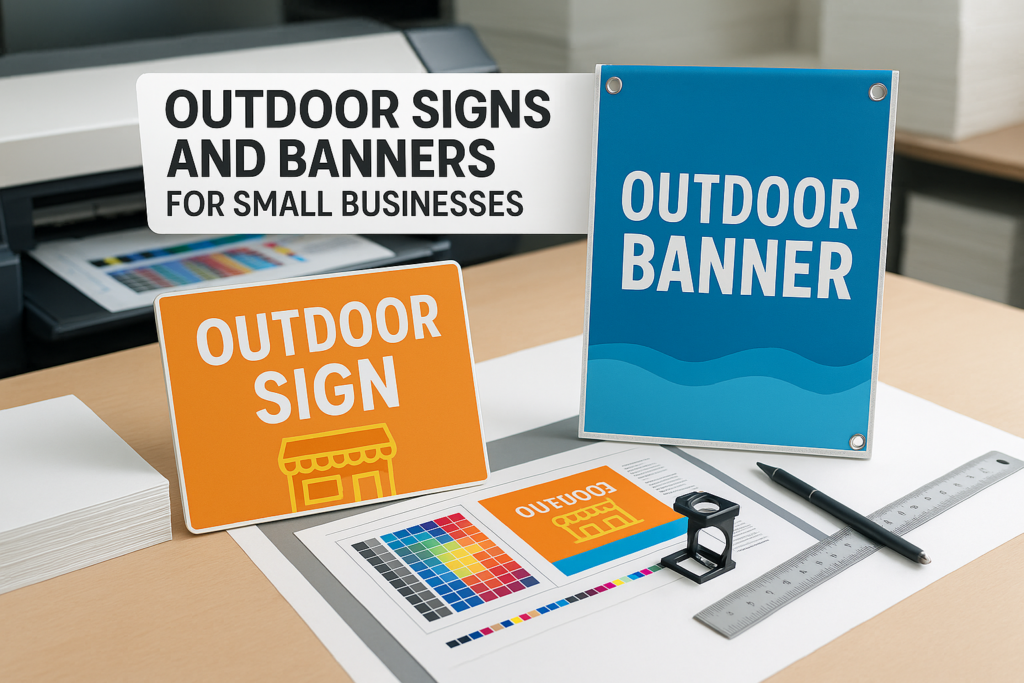
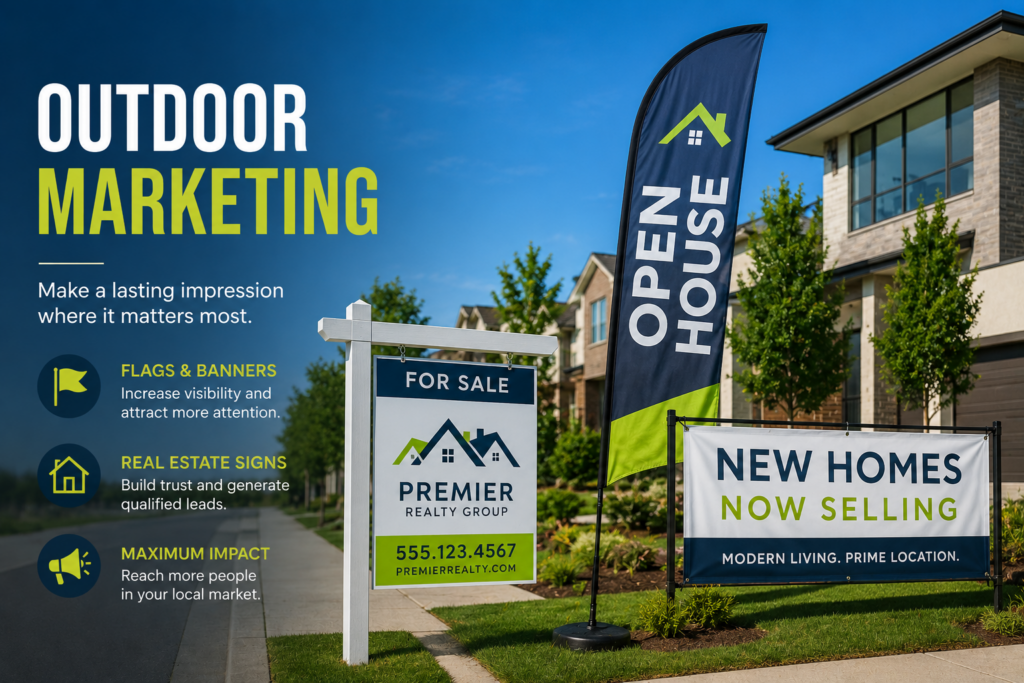
- Banners, posters, and event signage
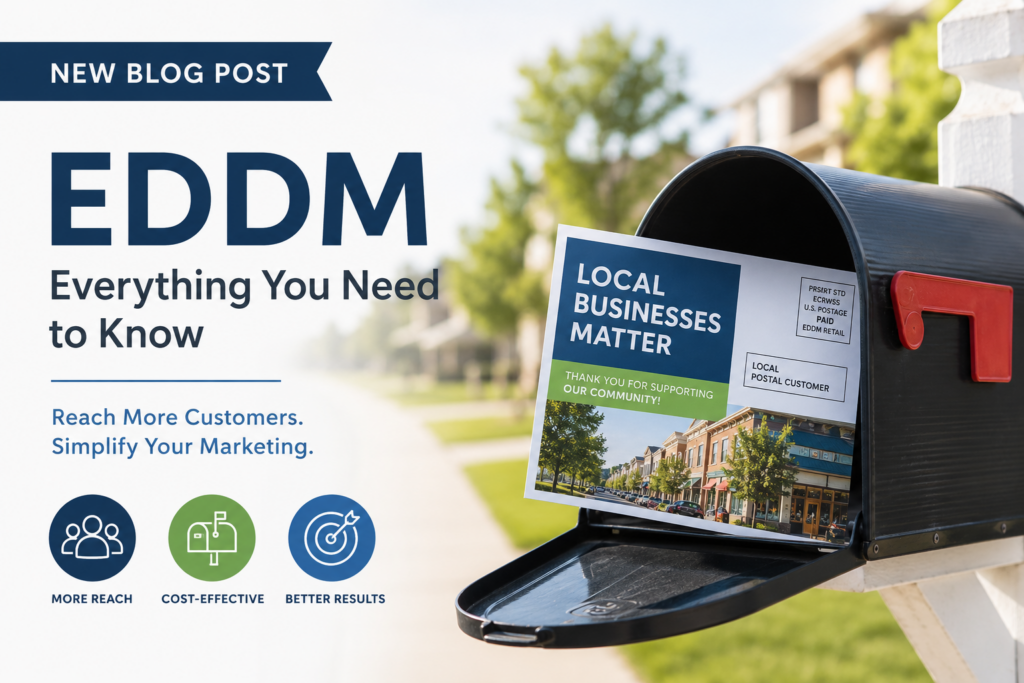
- Direct mail pieces, postcards, and customer notices
- Trade show graphics, retail displays, and campaign materials
Not every business needs all of these items at once. A good approach is to start with the materials customers see most often, then build out the rest as your budget, schedule, and marketing plan allow.
What to Prepare Before Starting a Design Project
The more organized your starting information is, the smoother the design process usually goes. You don’t need to have every answer ready, but a few basics help the designer and print team understand what you’re trying to accomplish.
- Your goal: Are you launching a new business, refreshing an existing brand, preparing for an event, or standardizing materials across a team?
- Your audience: Who will receive or use the materials? Customers, prospects, employees, donors, tenants, patients, or event attendees may need different messaging.
- Your current files: Gather logo files, old artwork, brand colors, photos, copy, and previous print samples if you have them.
- Your must-have items: List the pieces you need first, such as business cards, brochures, signage, or mailers.
- Your deadlines: Share any important dates early. Design, proofing, printing, finishing, mailing, and delivery can all affect the schedule.
If you’re planning several pieces at once, read how to plan print campaigns without last-minute file issues. It’s a helpful resource for teams juggling approvals, artwork, and production timing.
File Setup and Print Production Details to Confirm Early
One of the most common problems in print design is creating artwork that looks fine on screen but isn’t ready for production. Print files need to be built with the final product in mind. Size, bleed, image resolution, color setup, margins, folds, binding, and finishing can all affect the result.
Before production, confirm file requirements with the print shop handling the job. Specs may vary by product, equipment, material, and finishing method. Premier’s Prepress Toolkit is a useful place to review artwork preparation, proofing, resolution, bleed, and related setup topics.
Key setup items to discuss
- Bleed and trim: Artwork that extends to the edge usually needs extra image area beyond the final trim size. For more detail, review this guide to bleed, trim, and safety margins in printing.
- Safe margins: Important text, logos, and contact information should not sit too close to the cut edge or fold.
- Image resolution: Low-resolution photos may look blurry or pixelated when printed, especially on large pieces.
- Color: Colors can shift between screens and printed output. If brand color matching is critical, talk through proofing and production options before printing.
- Fonts and links: Missing fonts or linked images can cause delays. Print-ready PDFs are often requested, but confirm the preferred format for your project.
- Proofing: Review proofs carefully for spelling, phone numbers, QR codes, addresses, dates, and layout issues. A proof is your chance to catch problems before production.
Paper, Finishing, and Format Choices Matter
Design and production choices should work together. A premium-looking brand can feel less impressive if the paper stock, coating, or format doesn’t match the intended use. On the other hand, an everyday handout may not need specialty finishing if it’s meant for quick distribution.
Paper choice can affect color appearance, durability, feel, folding, mailing, and how the piece is handled. If you’re unsure what stock makes sense, Premier’s guide on how to pick the right paper for printing is a practical starting point.
Questions to ask before choosing materials
- Will this piece be mailed, handed out, displayed, filed, or reused?
- Does it need to feel formal, durable, lightweight, economical, or high-end?
- Will it be folded, scored, laminated, mounted, bound, or die cut?
- Will people write on it?
- Does the piece need to match previous brand materials?
Finishing choices such as coating, lamination, folding, scoring, binding, and mounting should be discussed before the design is finalized. Some finishes require extra setup space or may influence how artwork should be built.
Common Branding and Print Design Mistakes
Most branding issues are fixable, but catching them early saves time and prevents rework. Here are a few problems that show up often in real print projects.
- Using only a low-resolution logo: A small web image usually isn’t enough for sharp printing, signage, or large-format graphics.
- Designing every piece separately: One-off designs can lead to inconsistent colors, fonts, spacing, and messaging.
- Ignoring final size: A layout that works on a letter-size flyer may not work on a postcard, banner, or business card.
- Putting too much on one piece: Crowded design makes important details harder to read. Clear hierarchy matters.
- Waiting too long to involve the printer: Production questions are easier to solve before artwork is final.
- Skipping careful proofing: Names, phone numbers, addresses, URLs, dates, and compliance language should be checked closely by the customer’s team.
Business cards are a good example of how small details make a big difference. If you’re updating cards as part of a larger brand refresh, this article on business card printing mistakes to avoid can help your team spot common issues.
When to Ask a Printing Company for Design Help
You don’t have to wait until everything is perfect before contacting a print partner. In many cases, it’s better to ask questions early, especially if you’re planning multiple branded materials or aren’t sure whether your files are production-ready.
A print-focused design team can help with practical details that affect the final product. That may include adjusting artwork for folds, improving spacing, preparing files for bleed, checking image quality, building consistent templates, or recommending paper and finishing options that fit the project.
For small businesses, Premier Printing Services offers a range of small business printing support. Larger organizations can also explore corporate printing options for recurring materials, department needs, and brand consistency across teams.
How to Approach a Full Company Branding Project
If you’re starting from scratch, begin with the pieces that define your identity: logo usage, colors, fonts, and core messaging. Then apply that system to the print materials your business uses most often.
If you’re refreshing an existing brand, collect your current materials and look for inconsistencies. Are the logos different? Are old colors still in use? Do your brochures, forms, cards, and signage feel like they came from the same company? This review makes it easier to decide what should be redesigned first.
It’s also smart to think about future reorders. If your team frequently updates names, phone numbers, locations, event dates, or seasonal offers, ask about building templates or an ordering process that keeps everything consistent.
FAQ About Custom Graphic Design and Company Branding
Do I need a full rebrand, or can I update my printed materials?
Not every company needs a full rebrand. Sometimes the best first step is cleaning up core materials such as business cards, flyers, brochures, signage, and letterhead so they follow one consistent visual style.
Can you work with my existing logo?
In many cases, yes. The main question is whether the logo file is suitable for the products you want to print. If the only file available is low resolution, the design team may need to recreate or adjust it before production.
How early should I start a branding and print project?
Start as early as you can, especially if the project includes design, approvals, multiple print pieces, mailing, signage, or event materials. Exact timing depends on the project scope, production requirements, proofing, and customer approvals, so confirm the schedule before production.
What files should I provide for a design project?
Helpful files include logo artwork, brand guidelines if available, previous printed samples, copy, photos, mailing details, and any required legal or compliance language. If you’re unsure what you have, send the available files for review.
Can design choices affect printing cost or production?
Yes. Size, paper, quantity, color, finishing, mailing, binding, and specialty treatments can all affect production. Ask for guidance before finalizing artwork so the design fits the intended print method and budget range.
Ready to Build a More Consistent Brand?
Custom graphic design helps your company look organized, recognizable, and prepared across the materials customers actually see and use. Whether you need a single redesigned piece or full company branding across cards, brochures, signage, mailers, and office collateral, it’s worth getting print input early.
If you’re planning a branding project or want help turning your ideas into print-ready materials, contact Premier Printing Services for more information or project help.